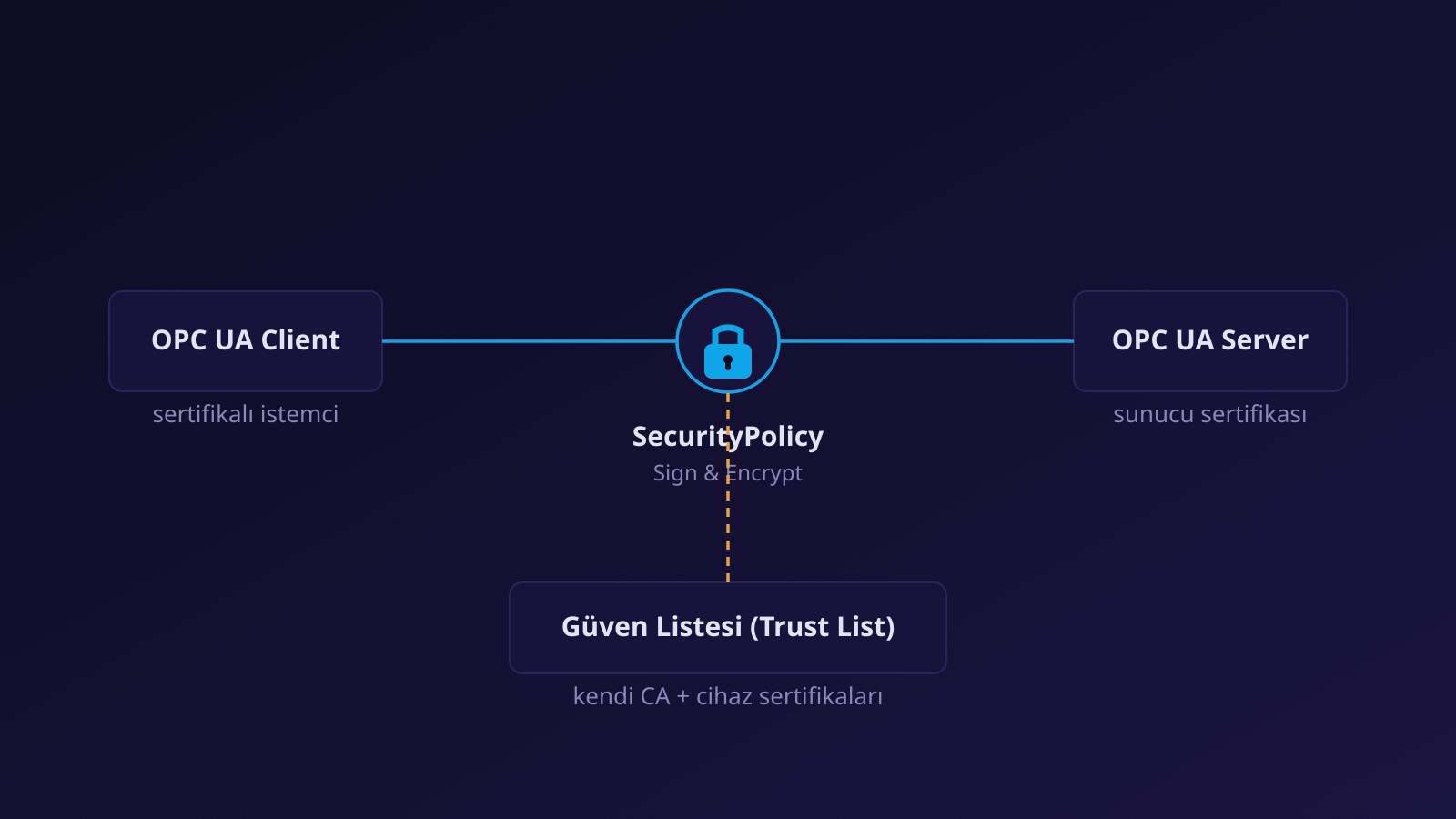
In OPC UA integrations, the most common cause of the complaint “I cannot connect” is not the network or the address but the certificate. The second most common cause is a connection that suddenly drops months later, in the middle of production, and on inspection a certificate turns out to have expired. Both show that certificates have a lifecycle that must be managed as an operational task.
Every OPC UA application has a certificate, and the two sides must trust each other. Generate certificates with the right names, establish trust in both directions, track expiry dates and own renewal as a task.
How is trust established?
When a client connects for the first time it presents its certificate. Most servers put an unknown certificate in a “rejected” list and refuse the connection; an administrator verifies the certificate’s thumbprint and moves it to the “trusted” list. Trust is mutual: the client must also trust the server’s certificate. Depending on the application these lists are a folder (a PKI store) or a management interface; in products such as Kepware Server, trusted client and server certificates and instance certificates are managed from management screens.
Self-signed or CA-signed?
| Self-signed | CA-signed (enterprise) | |
|---|---|---|
| Setup | Fast; the product generates it itself | Needs a certificate authority and a process |
| Trust | Each certificate is trusted one by one | Trusting the CA is enough; new certificates are accepted automatically |
| Scale | Suits a small number of connections | Sustainable for many applications |
| Renewal | Manual update at every pair | Central; can be automated with a management server |
With many applications, a central certificate management approach, such as OPC UA’s Global Discovery Server (GDS) concept, can be considered.
What should a certificate contain?
- Application URI: the URI in the certificate’s alternative names (SubjectAltName) must match the URI the application declares.
- Host name or IP: whichever name the client uses to connect to the server (DNS name or IP) must be in the certificate. If a machine is renamed or its IP changes, the certificate may need to be renewed.
- Key length and algorithm: must meet current security policies.
- Validity period: choose a period your renewal process can manage; too long leads to being forgotten, too short to frequent outages.
Security policy
The security policy chosen at the endpoint determines the algorithms used. Older policies (Basic128Rsa15, Basic256) are no longer recommended; prefer current options such as Basic256Sha256, Aes128_Sha256_RsaOaep or Aes256_Sha256_RsaPss and use Sign & Encrypt as the mode. Verify which clients support which policy before connecting.
Common errors and their causes
| Error (status code) | Likely cause | Fix |
|---|---|---|
BadCertificateUntrusted | The other side’s certificate is not in the trust list | Verify the thumbprint and trust it (in both directions) |
BadCertificateHostNameInvalid | The name in the certificate does not match the name connected to | Regenerate the certificate with the right DNS/IP or connect with the right name |
BadCertificateUriInvalid | The application URI does not match the certificate | Make the application URI consistent with the certificate |
BadCertificateTimeInvalid | The certificate has expired or is not yet valid | Renew the certificate; check device clocks |
BadCertificateRevoked | The certificate has been revoked | Generate a new certificate and update the revocation list |
BadSecurityChecksFailed | A general security validation failed (algorithm, signature) | Check security policy and mode compatibility |
Renewal planning
- Take an inventory. Which application has which certificate, held by whom, expiring when?
- Track expiry dates. Raise warnings weeks before expiry; add them to a calendar or monitoring system.
- Renew ahead of time and test. Bring the new certificate into service in a maintenance window by adding it to both sides’ trust lists.
- Assign an owner. Who renews, who approves, who verifies?
- Document. Keep thumbprints, expiry dates and renewal steps in writing.
If a certificate prevents connection, the problem is often only in the trust list; but also check the network and firewall (protocols and ports). For an overview of security settings see OPC UA security policies and certificates; for OPC UA basics see What is OPC UA?.
Frequently asked questions
How often should I renew certificates?
The validity period is set when the certificate is generated. Renew before it expires, on a schedule your renewal process can handle comfortably, and raise warnings weeks before expiry.
The firewall is open and I still cannot connect; why?
Most likely it is a certificate trust or host name matching problem. Look at the server’s “rejected” list and inspect the status code.
Can I turn security off for testing?
None mode can be used temporarily only in an isolated test environment; in production a signed and encrypted endpoint must be opened.